Best WordPress Themes and Plugins for Every Website
WordPress Themes And Plugins: Choosing the Right WordPress Foundation
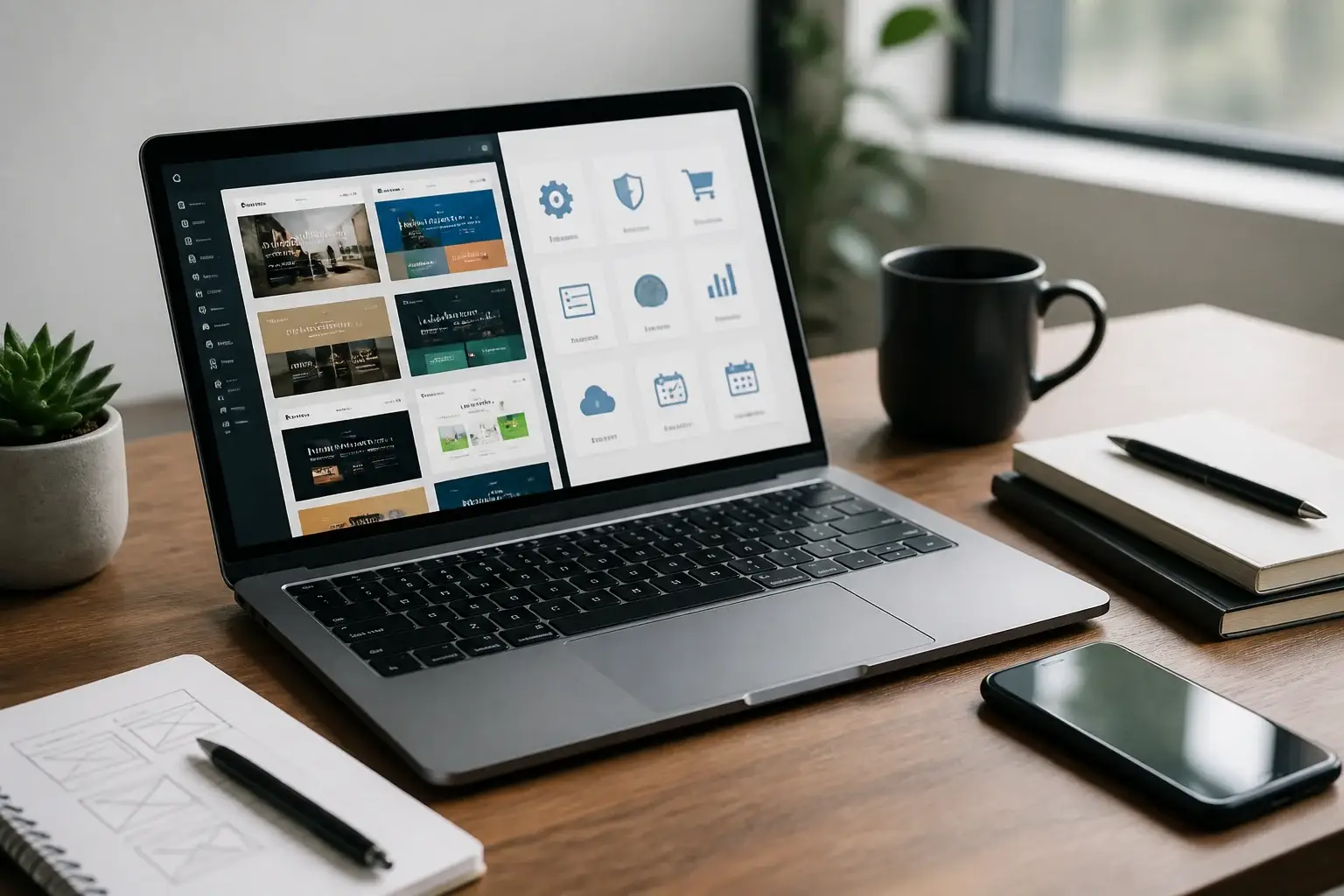
WordPress themes and plugins work together to shape a website’s appearance, capabilities, speed, and long-term manageability. A theme controls the visual framework: layouts, typography, colors, navigation, templates, and responsive behavior. Plugins add functions such as contact forms, search optimization, online selling, memberships, bookings, security, backups, and analytics. Choosing both thoughtfully is more valuable than collecting dozens of attractive options.
A strong website begins with purpose. A portfolio, local service business, magazine, online shop, nonprofit, course platform, and personal blog each need different structures. Before browsing marketplaces, define the audience, primary action, essential content, and expected growth. A service company may prioritize clear calls to action and appointment forms, while a store needs dependable product templates, payments, shipping, and inventory support.
The best combination is not necessarily the theme with the longest feature list or the plugin with the most settings. It is the combination that solves the real problem without adding unnecessary complexity. A lightweight theme paired with carefully selected plugins often creates a faster, safer, and easier site than an overloaded all in one package.
What a Theme Actually Provides
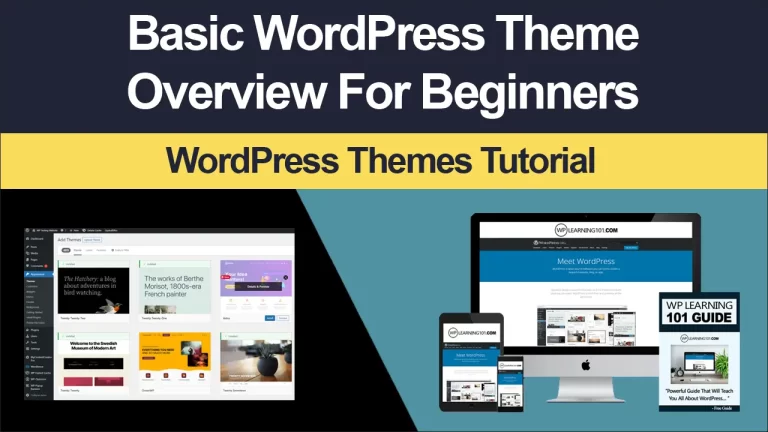
A WordPress theme supplies the design system visitors experience. It may include page templates, header and footer builders, blog layouts, archive pages, search results, menus, widgets, color controls, and block patterns. Modern themes may be designed around the Site Editor, allowing users to adjust templates and global styles without editing code. Other themes rely on customizer panels or visual builders.
Look beyond a demonstration site. Demo pages often contain professionally chosen images, carefully written copy, and extensive customization. Ask whether the underlying layouts fit your content. A restaurant needs menu presentation and location details; a consultant needs trust signals, service pages, and inquiry pathways. A beautiful theme that forces awkward workarounds can become expensive in time and maintenance.

Evaluate readability first. Check heading sizes, line length, contrast, link visibility, button clarity, and mobile spacing. A theme should help visitors scan information comfortably on small screens. It should also support accessible navigation, keyboard focus indicators, meaningful template structure, and compatibility with assistive technologies. Accessibility is not merely a technical preference; it broadens usability and demonstrates respect for every visitor.
What Plugins Add
Plugins extend WordPress without requiring you to build every function from scratch. A form plugin can collect inquiries, a commerce plugin can manage products and orders, and a backup plugin can create recoverable copies. Other extensions support caching, image optimization, redirects, multilingual publishing, event calendars, testimonials, forums, or custom fields.
Every plugin introduces code, settings, updates, and potential interactions. Therefore, install a plugin because a defined requirement exists, not because its feature list looks impressive. Write a short requirements list before searching. For example, a booking system might need availability rules, customer notifications, deposits, calendar synchronization, cancellation policies, and staff access. Comparing plugins against those needs is more reliable than choosing by star ratings alone.
Product Selection Criteria
Performance and Technical Quality
Performance influences usability and can affect how easily visitors find and complete important actions. A theme should avoid unnecessary visual effects, excessive bundled scripts, and massive asset libraries. A plugin should load its resources only where needed whenever possible. Image compression, sensible fonts, efficient hosting, and caching also matter, so no theme can guarantee speed by itself.
Test representative pages rather than relying solely on claims. Review the homepage, a long article, a contact page, and, if applicable, a product or checkout page. Look for delayed content, layout movement, sluggish menus, and scripts that interfere with interaction. Use a staging environment for experiments, because changing several components on a live site can make problems difficult to isolate.
Code quality is equally important. Prefer products with clear documentation, regular maintenance, transparent changelogs, and responsive support. Compatibility notes should mention current WordPress and PHP versions when relevant. A plugin abandoned for a long period may continue working, but its future compatibility and security deserve caution. Updates are not automatically proof of quality, yet a visible maintenance history provides useful evidence.
Compatibility and Integration
Themes and plugins should cooperate with WordPress core, the editor, and one another. Problems commonly arise when multiple tools attempt to control the same feature, such as page titles, breadcrumbs, popups, optimization, or product templates. Before installing, check documented integrations and search support discussions for recurring conflicts.
Use a staging site to test major changes. Create a backup, update one component at a time, and inspect menus, forms, layouts, search, user registration, and checkout. If something breaks, restore the backup or deactivate the latest change. This disciplined process protects business continuity and prevents guesswork.
Consider future migration. Some visual builders store content in proprietary formats, meaning that changing themes may leave shortcodes or layout fragments behind. A theme based on standard blocks or familiar WordPress structures may be easier to replace. Plugins should export important data in usable formats. Ownership and portability matter especially when your website contains years of articles, customer records, or product information.
Licensing and Total Cost
Many WordPress products offer free versions and paid plans. A free version can be sufficient for a simple site, but paid support, advanced modules, updates, and commercial licenses may justify the cost. Compare renewal pricing, site limits, support channels, refund terms, and whether essential features depend on an annual subscription.
Calculate total cost rather than the initial price. Include hosting, premium extensions, payment processing, backup storage, security services, developer assistance, and time spent learning the system. A low priced plugin that requires several add ons may cost more than a focused solution with clear pricing.
Licensing also affects client work. An agency should confirm whether a license covers multiple websites and whether clients can manage renewals independently. Keep purchase records and license keys in a secure location, but avoid sharing credentials through insecure messages.
Recommended Categories for Different Websites
Business and Service Websites
A business site generally needs a professional theme with flexible page templates, prominent contact paths, testimonials, service sections, team profiles, and location information. Pair it with a dependable form plugin, search optimization tools, backup protection, and perhaps appointment functionality. Keep the homepage focused: explain the problem you solve, show evidence of credibility, and provide a clear next step.
Local businesses should make phone numbers, opening hours, directions, and service areas easy to find. A map can help, but text information remains important for accessibility and quick scanning. If leads matter, connect forms to a monitored email address or customer relationship system and test delivery regularly.
Online Stores
An online store requires more than attractive product cards. The theme should support product archives, variations, galleries, cart behavior, checkout, account pages, and transactional notices. Select an established commerce platform, then add only necessary payment, shipping, tax, inventory, and email tools.
Test the complete purchasing journey on a phone and desktop. Examine product discovery, filters, coupon behavior, payment failure messages, order confirmation, and refund procedures. Compress images without hiding useful product detail. Avoid intrusive popups that distract shoppers before they understand the offer.
Security and reliability are especially important for stores. Use trusted payment integrations and minimize the amount of sensitive information your site handles. Maintain backups, restrict administrator access, and review logs when unusual activity appears. Always check legal and tax obligations relevant to your location and business model.
Blogs and Publications
A publishing site benefits from strong typography, category navigation, author information, related content, search, and fast archives. Choose a theme that keeps attention on the writing rather than forcing decorative animations. Useful plugins may include editorial workflow tools, subscription forms, structured data support, image optimization, and spam protection.
Plan content architecture before publication. Use categories for broad sections and tags sparingly for meaningful relationships. A consistent heading hierarchy helps readers and assistive technologies understand articles. Provide descriptive image alternatives and avoid relying on color alone to communicate meaning.
Membership, Courses, and Communities
Membership sites need controlled access, registration, profiles, protected content, payments, and account management. Course platforms add lessons, progress tracking, quizzes, certificates, and student communication. Community plugins may provide discussions, groups, notifications, and moderation.
Map the user journey before choosing software. Ask how someone joins, pays, receives access, resets a password, completes a lesson, cancels, and contacts support. A system that handles these transitions clearly will outperform one with more decorative features but confusing account screens.
Essential Plugin Categories
Security, Backups, and Maintenance
Security begins with responsible administration. Use strong unique passwords, limit administrator accounts, enable appropriate two factor authentication, and keep WordPress, themes, and plugins updated. A security plugin may add monitoring, firewall rules, malware scanning, or login protection, but it cannot replace sound hosting and careful access control.
Backups should be stored separately from the website and tested through restoration. A backup that has never been restored is an assumption, not a verified recovery plan. Decide how often to back up based on publishing and transaction frequency. A busy store needs a different recovery approach from a rarely updated brochure site.
Maintenance also includes removing unused themes and plugins, reviewing user accounts, checking forms, and examining broken links. Document changes so another person can understand what was installed and why.
Search Optimization and Analytics
Search optimization plugins can help manage titles, descriptions, canonical settings, sitemaps, and structured data. They do not substitute for useful content, clear organization, credible references, or a technically accessible site. Write page titles for humans first, then refine them for clarity and relevance.
Analytics tools reveal how visitors arrive and whether important actions occur. Configure them with privacy obligations in mind, explain data practices appropriately, and avoid collecting information you do not need. Use measurements to improve decisions, not to chase every fluctuation.
Forms, Email, and Communication
A form plugin should validate input, provide useful error messages, protect against spam, and deliver submissions reliably. Configure a domain based email address when possible, and test messages after DNS, hosting, or plugin changes. Store submissions only when there is a genuine operational reason and establish a retention policy.
Email marketing integrations can turn one time visitors into returning readers, but permission and unsubscribe controls are essential. Keep signup promises specific. If people expect a monthly guide, do not silently add unrelated promotional mail.
A Practical Installation Process
Begin with a full backup and a staging copy. Install the theme, establish global colors and typography, and create essential pages before adding optional features. Use a child theme or supported customization method when code changes are necessary, so updates do not erase them.
Add plugins one at a time. After each installation, test the homepage, navigation, forms, mobile display, login, and any conversion path. Record the plugin’s purpose, settings, license, and renewal date. This inventory makes troubleshooting and budgeting easier.
Before launch, review privacy notices, cookie behavior, accessibility, broken links, redirects, metadata, image sizes, and error messages. Ask someone unfamiliar with the site to complete a basic task, such as finding a service, submitting a form, or buying a product. Fresh eyes often expose confusing labels and missing information.
After launch, schedule maintenance. Check updates during a low risk period, back up first, and read release notes for major changes. Monitor uptime, form delivery, orders, search visibility, and security alerts. Remove tools that no longer earn their place.
Common Mistakes to Avoid
The first mistake is choosing a theme before defining content. This encourages forcing your message into a demonstration layout. The second is installing multiple plugins that solve the same problem. Duplicate optimization, caching, or page building tools can create conflicts and unnecessary overhead.
Another mistake is ignoring mobile visitors. Desktop previews cannot reveal every spacing, menu, or checkout problem. Test real content at several screen widths and with touch controls.
Do not confuse customization with improvement. More sliders, animations, popups, and font variations may make editing exciting while making the visitor experience slower and less focused. Use each element to support a measurable communication goal.
Finally, do not treat updates as optional. Outdated software can become incompatible or expose weaknesses. If an extension is no longer maintained, identify a replacement on a staging site instead of waiting for an emergency.
FAQ
Can I change a WordPress theme later?
Yes, but preparation matters. Content stored in standard WordPress fields usually transfers well, while builder specific layouts, shortcodes, and theme options may not. Create a backup, test the replacement on staging, compare important templates, and keep the previous theme available until the new design works.
How many plugins should a website have?
There is no universal ideal number. A small set of well maintained, necessary plugins is generally preferable to a large collection of overlapping tools. Judge plugins by code quality, performance, security, compatibility, and value rather than by count alone. Review the list periodically and remove inactive dependencies safely.
Should I use a free or premium theme?
Either can work. A free theme may suit a simple project, while a premium product may provide advanced templates, updates, support, or commercial licensing. Compare actual requirements, documentation, maintenance history, accessibility, and total cost. Never assume a higher price automatically means better quality.
Do page builders improve every website?
Page builders can help nontechnical users create tailored layouts quickly, but they may add complexity, performance overhead, or migration difficulties. They are useful when their design flexibility solves a real need. For a straightforward site, native blocks and a well designed theme may be easier to maintain.
Can plugins replace a developer?
Plugins reduce the need to build common features, but they do not eliminate planning, testing, security, accessibility, or troubleshooting. A developer becomes especially valuable for custom integrations, complex data, high traffic, regulated information, or failures affecting revenue.
What should I do when a plugin conflicts with my theme?
First create a backup and reproduce the problem on staging. Update WordPress and relevant products, then deactivate plugins one at a time to identify the conflict. Check documentation and support channels. If the issue remains, choose a compatible alternative rather than weakening security or abandoning essential functionality.
Conclusion
WordPress themes and plugins are strategic building blocks, not decorations added at random. Choose a theme that communicates clearly, supports accessible responsive content, and remains practical as your site grows. Choose plugins against documented requirements, then assess maintenance, integration, security, performance, licensing, and portability.
A persuasive website does not need the most features. It needs a reliable path from visitor interest to useful action. Define that path, select only the tools that strengthen it, test every important journey, and maintain the system deliberately. With this approach, WordPress can support a polished personal site, dependable business presence, capable store, or sophisticated publishing platform without becoming unnecessarily difficult to manage.