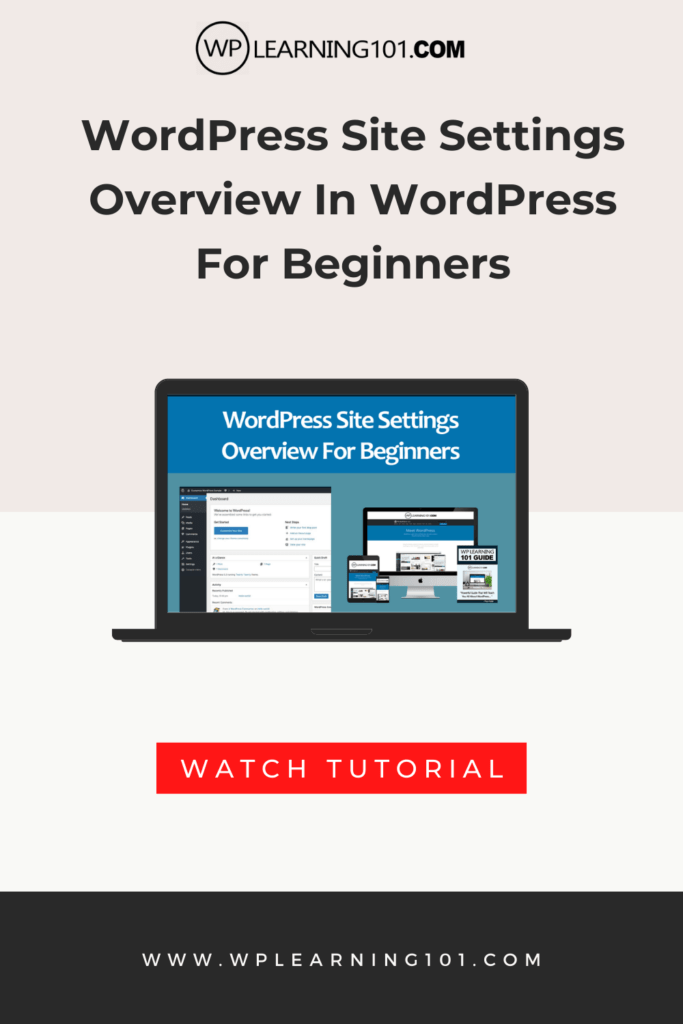
WordPress Site Settings Overview Tutorial For Beginners (Step By Step)
WordPress Site Settings Overview In WordPress For Beginners


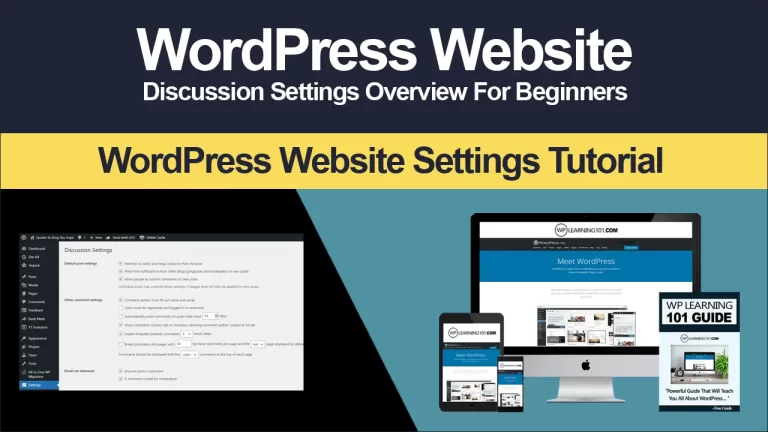
WordPress Discussion Settings Overview In WordPress For Beginners In this video tutorial, we are going to take a look at the discussion settings step by step. So let’s get started from your WordPress dashboard, go to settings and select discussion. The discussion settings page will open from here. You first need to make default…
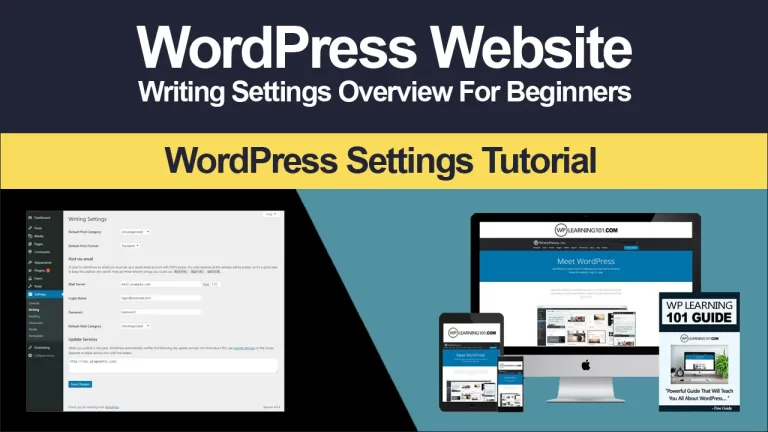
Basic WordPress Writing Settings Overview In WordPress For Beginners In this video tutorial, we are going to take a look at the writing settings step by step. So let’s get started from your WordPress dashboard, go to settings and select writing here. Select your default post category default post format default editor for all users,…
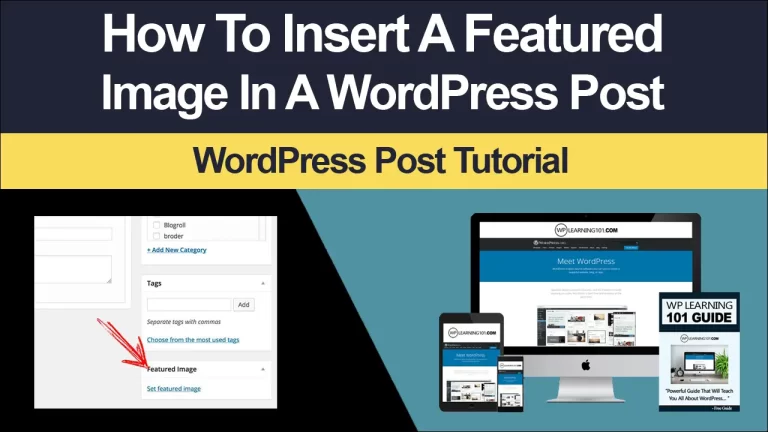
How to Add a Featured Image in WordPress: A Beginner’s Guide Are you new to WordPress and wondering how to add a featured image to your post? Adding a featured image is a simple but important step that can help enhance the overall appearance of your post and make it more attractive to readers. In…
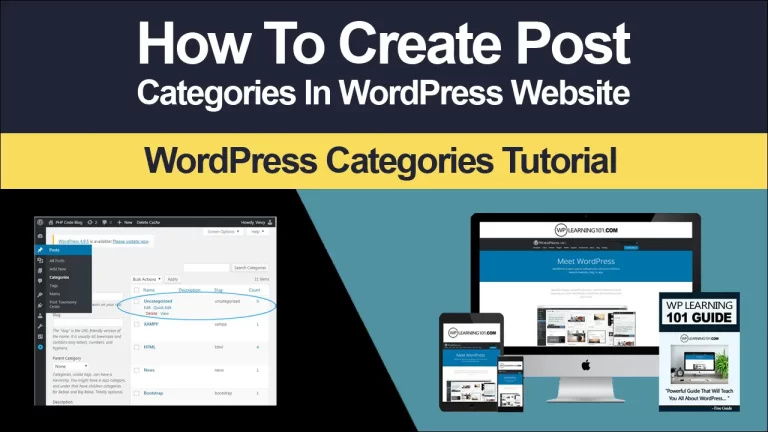
The Beginner’s Guide to Creating Post Categories in WordPress As a beginner blogger, it’s important to understand how to organize your blog posts so that your readers can easily find what they’re looking for. That’s where post categories in WordPress come in. In this article, we’ll explain what post categories are, how to create them,…
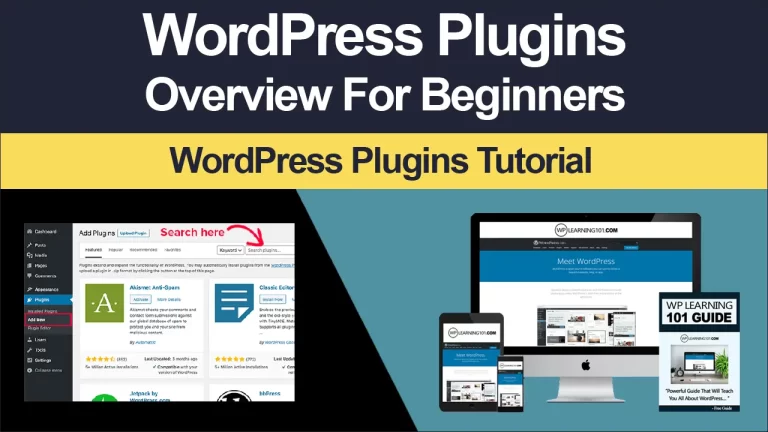
WordPress Plugins Overview Made For Beginners In this video tutorial, we are going to take a look at WordPress plugins, step by step. So let’s get started so from your WordPress dashboard, go to plugins and select installed plugins. Here we have more options like add new and plugin editor. So now we have…
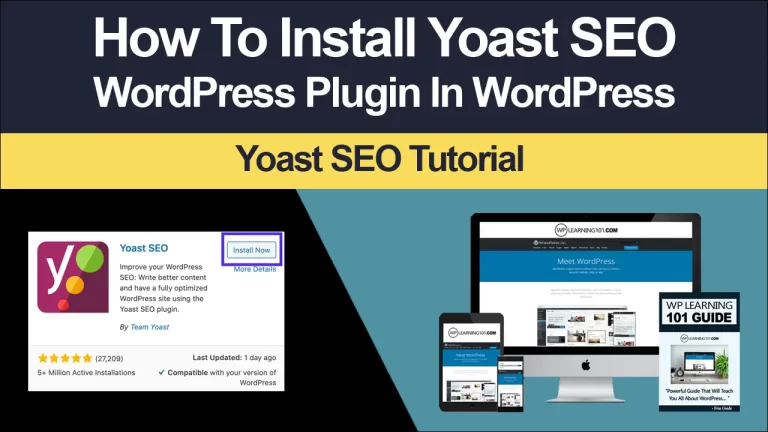
Beginners Guide: How To Install Yoast SEO Plugin In today’s digital world, having a website is essential for any business or individual looking to establish an online presence. However, simply having a website is not enough to guarantee success. To rank high on search engines like Google, your website must be optimized for search engine…