
WordPress Website Maintenance: Core software updates
WordPress Website Maintenance keeps a site secure, reliable, fast, and useful after launch. A well-designed website can still lose visitors when software becomes outdated, pages load slowly, forms stop working, or backups cannot restore critical information. Maintenance is the disciplined process of monitoring, updating, testing, and improving every part of a WordPress installation.
For a business, nonprofit, professional service, or online store, maintenance is not merely technical housekeeping. It protects reputation, supports accessibility, reduces interruptions, and helps visitors complete important actions. Regular attention also makes problems smaller and less expensive to solve. The most effective plan combines routine care, documented procedures, performance checks, security controls, and clear decisions about when professional help is appropriate.
What WordPress Website Maintenance Includes
WordPress maintenance covers the website itself, the hosting environment, connected services, and the content published through the system. It should be treated as an ongoing service rather than a single cleanup session. A practical program commonly includes the following responsibilities.
Core software updates
WordPress releases updates that may improve security, compatibility, performance, or functionality. Themes and plugins receive updates for similar reasons. Before applying changes, review compatibility, confirm that a recent backup exists, and use a staging environment when the site is important or technically complex. Updating blindly can introduce conflicts, while avoiding updates leaves known weaknesses and compatibility problems unresolved.
Backup and recovery management
A backup is useful only when it can be restored. Maintain backups of the database, uploaded media, themes, plugins, configuration files, and other required components. Store copies separately from the hosting account, protect access to them, and retain several recovery points. Test restoration periodically in a safe environment. A written recovery procedure should identify who acts, which backup is selected, and how the restored site is verified.

Security monitoring
Security maintenance includes strong authentication, limited administrator access, malware monitoring, firewall configuration, suspicious-login review, and timely patching. Remove unused plugins, themes, accounts, and permissions. Use unique passwords and multifactor authentication where available. Security tools can reduce risk, but they cannot replace careful administration. A site can remain vulnerable through a neglected extension, compromised credential, or unsafe server setting.
Performance care
Performance work begins with measurement. Review page loading, server response, database behavior, image sizes, scripts, stylesheets, and third-party services. Caching, image compression, content delivery services, and database cleanup may help, but each change should be tested. Removing useful features merely to achieve a faster score can damage accessibility or conversion. The appropriate goal is a responsive experience for real visitors on realistic devices and networks.
Content and functionality checks
Inspect menus, links, search, forms, buttons, checkout flows, downloads, embedded media, and important landing pages. Check that contact submissions reach the intended inbox and that transactional messages are delivered. Review outdated announcements, prices, staff details, policies, and images. Content maintenance supports trust as much as technical maintenance does. A broken phone number can be more damaging than a minor visual defect.
Hosting and domain oversight
Track domain registration, hosting renewal, storage limits, email services, SSL certificates, DNS records, and scheduled server changes. Confirm that the certificate remains valid and that the site redirects consistently to its preferred secure address. Document provider accounts and renewal dates in a protected location. Losing access to a domain or hosting account can create an avoidable emergency.
Why Maintenance Matters
WordPress depends on many moving parts. The core system interacts with a theme, extensions, a database, server software, payment providers, analytics, email services, and browser standards. Any component can change independently. Maintenance creates opportunities to detect those changes before they affect visitors.
Security is a central reason to maintain a site, but it is not the only reason. Updates may improve compatibility with newer versions of PHP, browsers, or external APIs. Routine monitoring can reveal unusual traffic, storage growth, failed jobs, and repeated errors. Performance reviews can identify heavy images or inefficient queries. Content checks protect credibility and help visitors find accurate information.
Maintenance also preserves organizational knowledge. When procedures, credentials, dependencies, and recovery steps are documented, a business is less dependent on one developer or one employee. This continuity matters when staff change, contractors leave, or an urgent problem appears outside normal working hours.
A Practical Maintenance Schedule
A schedule should reflect the website’s complexity, update frequency, traffic, revenue role, and risk. A small informational site may need less frequent review than a busy store, membership platform, or publication. Nevertheless, every site benefits from defined intervals rather than occasional improvisation.
Weekly tasks
Review uptime notifications, security alerts, administrator activity, backup completion, and important forms. Visit the home page and several key pages on a phone and desktop. Confirm that navigation, search, calls to action, and contact methods work. Look for visible errors, unexpected advertisements, changed content, or warnings from browsers.
Monthly tasks
Apply tested updates, inspect performance trends, review storage and database growth, and test selected backup files. Check broken links, redirects, embedded content, and email delivery. Review user accounts and remove unnecessary access. Examine analytics for unusual changes, but interpret them alongside marketing activity, seasonality, and known campaigns rather than assuming every fluctuation signals a technical failure.
Quarterly tasks
Perform a broader health review. Test a complete restoration in a staging environment, review hosting capacity, audit plugins and themes, and check accessibility on representative pages. Evaluate whether each extension remains necessary. Review privacy notices, cookie behavior, consent tools, and data collection practices with appropriate professional guidance. Refresh documentation, emergency contacts, and recovery instructions.
Annually tasks
Conduct a strategic review of the website’s purpose, technology, content, and costs. Confirm domain and service renewals, examine the hosting plan, review administrator responsibilities, and assess whether the theme or custom code still supports current needs. An annual review should not replace regular maintenance; it complements it by addressing larger decisions and accumulated technical debt.
A Safe Update Process
Updates deserve a controlled process, especially on sites that generate leads, accept payments, or serve registered users. First, record the current versions and identify recent customizations. Next, create and verify a backup. If possible, clone the site to staging. Apply updates there, clear relevant caches, and test critical workflows.
Test more than the home page. Submit forms, log in as a test user, add an item to a cart, complete a nonproduction checkout path, download files, and inspect confirmation messages. Check layouts at different screen sizes and review browser-console errors when appropriate. If staging behaves correctly, schedule production changes during a period when monitoring and rollback are possible.
After deployment, repeat critical tests on the live site. Monitor error logs, uptime, orders, submissions, and user reports. If a problem appears, identify the most recent change, restore only when necessary, and preserve diagnostic information. Rollback is not failure; it is a planned risk-control measure. Do not postpone updates indefinitely because one extension requires investigation. Isolate the conflict, seek a compatible version, or replace the extension after evaluating alternatives.
Improving Speed Without Breaking the Site
Performance optimization should begin with the visitor’s experience. Measure representative pages, including a content page, a form page, and a product or service page. Compare mobile and desktop behavior. A high laboratory score can coexist with slow real-world interactions if scripts, fonts, advertising, or server response remain heavy.
Optimize images before uploading them, select suitable dimensions, and use modern formats when compatibility is adequate. Avoid loading large images that are displayed at small sizes. Use caching carefully, because aggressive caching can show stale content or interfere with personalized areas. Compress styles and scripts only after testing, since minification or combination can create visual and functional defects.
Review plugins based on purpose, quality, maintenance activity, resource use, and compatibility. More plugins do not automatically mean a slow site, and fewer plugins do not automatically mean a healthy site. A poorly built extension can matter more than several well-maintained ones. Replace redundant tools, remove abandoned components, and monitor the result after each meaningful change.
Server performance may require hosting support or a developer. Slow database queries, insufficient resources, misconfigured PHP settings, or external service delays cannot always be solved inside WordPress. Document evidence before requesting assistance: affected URLs, approximate times, error messages, recent changes, and test results.
Security and Privacy Practices
Use administrator accounts only for administrative work and assign lower privileges for routine content editing. Require strong, unique credentials, protect recovery email accounts, and enable multifactor authentication where supported. Limit login attempts thoughtfully, but avoid controls that block legitimate users or administrators without a recovery path.
Keep WordPress, themes, and plugins current. Download software from trustworthy sources, and avoid nulled or pirated extensions. Review code or seek qualified help before installing custom snippets. Remove inactive components when they are not required. An inactive plugin may still contain exploitable code if its files remain accessible.
Protect personal information collected through forms, comments, analytics, accounts, and orders. Collect only what the business genuinely needs, restrict access, establish retention practices, and follow applicable privacy requirements. Security maintenance reduces risk, but no setup guarantees complete protection. Prepare an incident plan explaining how to isolate the site, preserve evidence, notify responsible parties, and obtain legal or technical advice when appropriate.
Choosing Professional Maintenance Support
Some owners can manage basic updates and content checks; others need a maintenance provider. The decision depends on technical confidence, available time, business impact, customization, and tolerance for downtime. A brochure site with no transactions has different requirements from a multilingual store integrated with inventory, payments, shipping, and marketing automation.
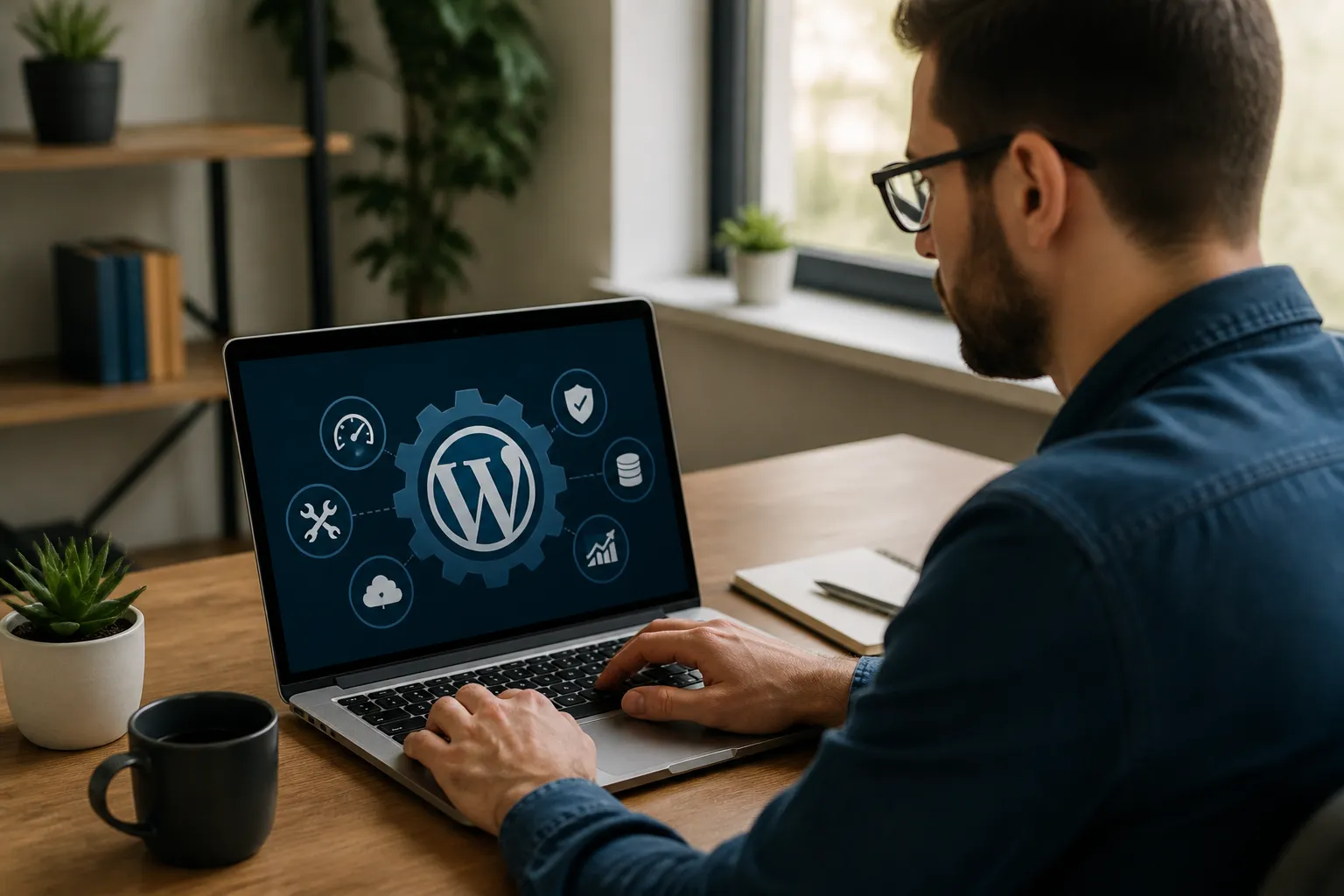
When evaluating a provider, ask what is included, how backups are stored and tested, whether staging is available, how emergencies are handled, and who owns accounts and data. Clarify update testing, response expectations, security monitoring, performance work, reporting, and exclusions. Beware of vague promises such as guaranteed security or unlimited fixes without defined boundaries.
A useful report should summarize completed updates, backup status, notable alerts, performance observations, unresolved risks, and recommended actions. Ownership should remain clear: the client should retain appropriate access to the domain, hosting, WordPress administration, analytics, and backup systems. A provider should improve control, not create dependency through secrecy.
Questions to ask before hiring
Ask whether the service supports custom code and ecommerce workflows. Ask how conflicts are diagnosed, whether changes are documented, and how rollback works. Request an explanation of emergency communication, maintenance windows, and access security. Confirm whether licensing costs, content edits, development hours, and third-party subscriptions are included or billed separately.
Common Mistakes to Avoid
The first mistake is treating backups as proof of safety without testing restoration. The second is updating directly on production without a recovery point or validation plan. The third is retaining unused plugins, themes, and administrator accounts. Each adds unnecessary complexity or access.
Another mistake is focusing only on visible design. A beautiful homepage cannot compensate for a failed form, inaccurate information, inaccessible navigation, or slow checkout. Conversely, optimizing only for speed can remove features that visitors need. Maintenance requires balanced judgment.
Ignoring custom code is also risky. Snippets added to a theme, page builder, or site-specific plugin may break after updates. Keep a change log and store custom code in a controlled, documented location. Finally, avoid postponing small warnings. Repeated notices about failed backups, low storage, expired certificates, or email delivery can become major incidents when left unresolved.
FAQ
How often should a WordPress website be maintained?
Review critical functions at least weekly and perform a structured maintenance session monthly. High-traffic, frequently updated, or revenue-generating sites may require monitoring and testing more often. The correct frequency depends on risk, complexity, update activity, and the consequences of downtime.
Can I maintain my website myself?
Yes, if you can follow documented procedures, protect credentials, create reliable backups, test updates, and recognize when an issue exceeds your skills. Start with low-risk tasks such as content review and account audits. Seek help for server configuration, malware response, complex conflicts, custom development, or recovery failures.
Do automatic updates eliminate maintenance?
No. Automatic updates can reduce delay for compatible changes, but they do not test business workflows, verify forms, review content, monitor performance, or guarantee restoration. Use automation with backups, notifications, and follow-up checks rather than treating it as a complete maintenance strategy.
What should a maintenance report contain?
It should identify updates applied, backups completed and tested, security findings, uptime or error observations, performance concerns, content or link issues, and outstanding recommendations. Reports should distinguish completed work from suggested work and record any limitations or tests that could not be performed.
How can I tell whether my backup works?
Restore it to a separate staging location or local environment and verify the database, media, theme, plugins, links, forms, logins, and essential workflows. A file existing in storage does not prove that it is complete, current, or usable. Document the restoration date and any missing components.
Is a maintenance plan worth paying for?
It can be, particularly when downtime affects revenue, reputation, or customer service. A plan may provide routine testing, expertise, faster response, and clearer accountability. Compare its scope with your risk. Do not pay for duplicated hosting features or vague services that omit backups, testing, ownership, and reporting.
Conclusion
WordPress Website Maintenance is a practical investment in continuity. It combines updates, verified backups, security controls, performance measurement, content accuracy, access management, and recovery planning. The strongest approach is consistent rather than dramatic: inspect regularly, change carefully, test important workflows, document decisions, and address warnings before they become emergencies.
Begin by listing your critical pages, services, accounts, integrations, and recovery requirements. Establish a backup routine, create an update checklist, remove unnecessary access, and schedule recurring reviews. If the website is too important or complex to manage confidently, choose professional support with transparent responsibilities and evidence of completed work. A maintained WordPress site gives visitors fewer obstacles and gives its owner a clearer, safer foundation for growth.




